Utility - Part 2 - The Home Office
The Home Office: Productivity at Home
By OAK Architecture and Design
Since 2020, the "Home Office" has graduated from a dusty desk in the spare room to a critical piece of infrastructure. For many Australians, it is now the primary place of business.
However, working from home is only sustainable if the environment supports it. A kitchen table causes back pain, and a poor background looks unprofessional on video calls. Here is how to design a workspace that commands respect.
1. Location Strategy: The 3 Tiers
Where you put the office dictates how well you work. We categorize home workspaces into three tiers based on usage intensity.
Tier 1: The Dedicated Room (Full-Time Work) If you work from home 3+ days a week, you need a door that closes.
Acoustic Separation: Ideally, this room is located away from the kitchen and living zones to block the noise of kettles and TVs.
The "Commute": Placing the office near the front entry works well for client meetings, but placing it in the backyard (a "garden studio") offers the best psychological separation between "home" and "work."
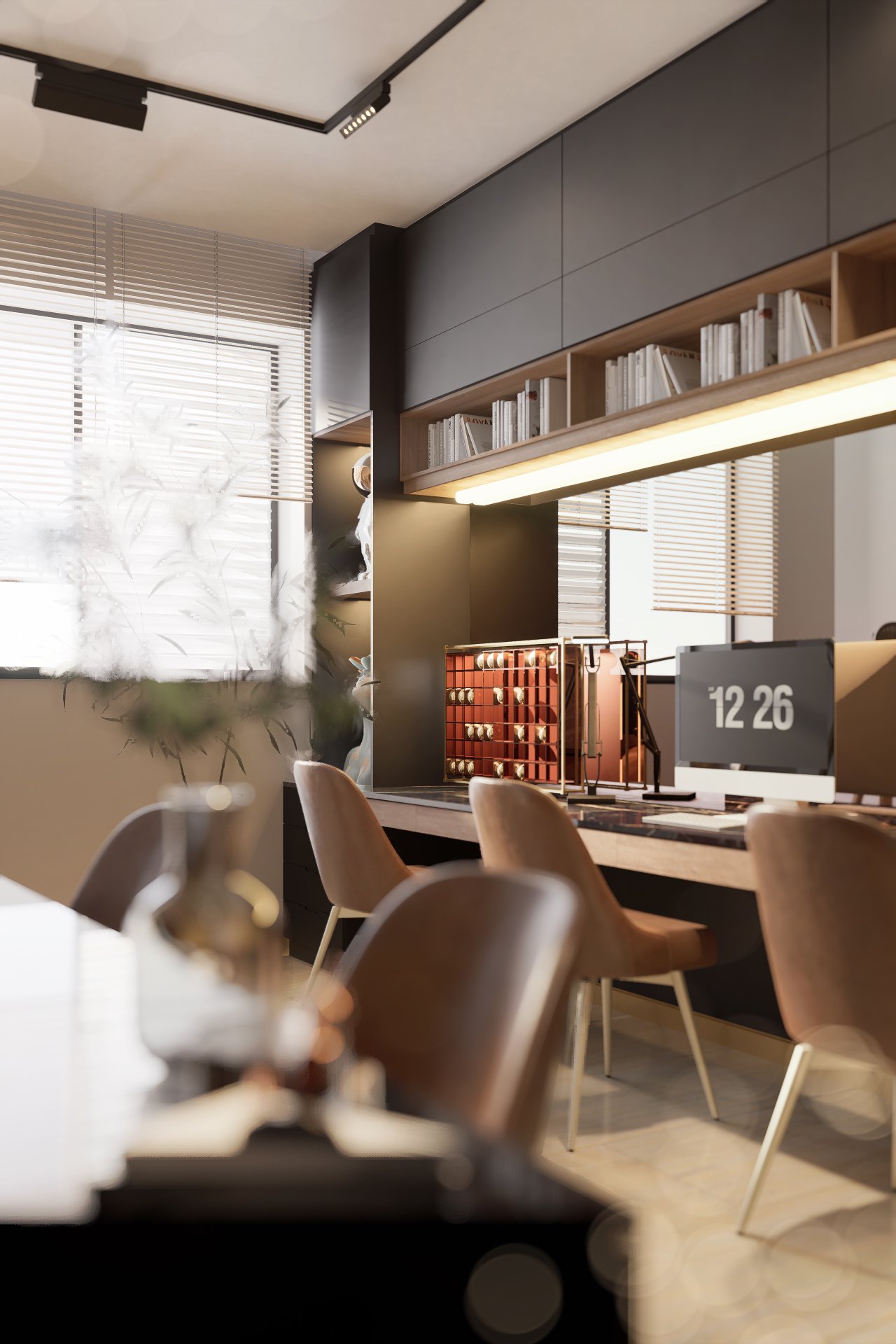
Tier 2: The "Cloffice" (Closet Office) For apartments or occasional work, we convert a standard 600mm deep wardrobe into a workstation.
The Concept: A built-in desk with overhead shelving, hidden behind bi-fold or pocket doors.
The Benefit: When you finish work at 5:00 PM, you close the doors and the "office" disappears, allowing you to relax without staring at your to-do list.
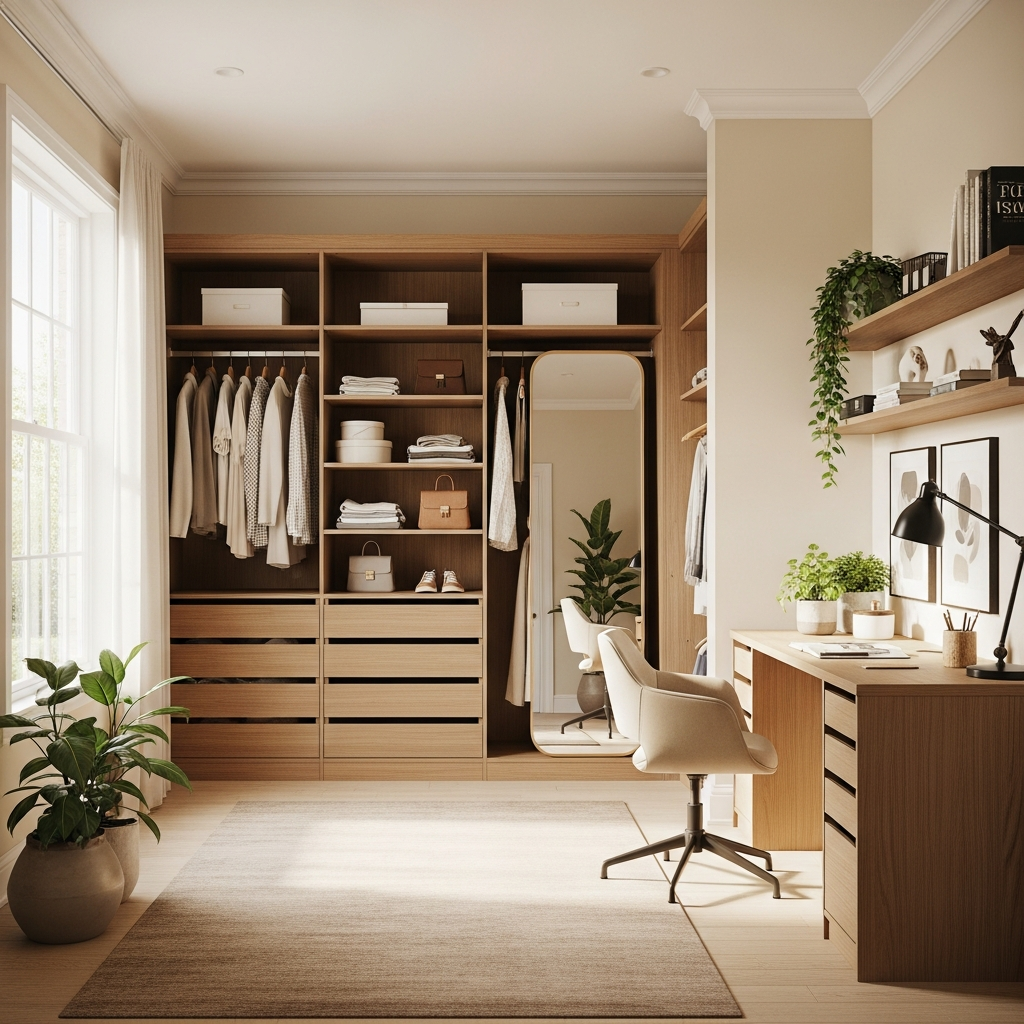
Tier 3: The Nook (The Drop Zone) A small joinery desk in a hallway or kitchen corner.
The Reality: This is for paying bills or supervising homework, not for an 8-hour workday. It lacks the ergonomic depth and privacy required for deep focus.
2. Ergonomics: The Maths of Comfort
Carpal tunnel and eye strain are often caused by incorrect joinery dimensions.
Desk Depth
The Mistake: Using a standard 450mm or 500mm deep shelf. This is too shallow for a monitor; your nose will be against the screen.
The Standard: A minimum depth of 600mm is required for a laptop.
The Ideal: For a proper monitor setup with a keyboard, you need 750mm to 800mm depth. This allows you to rest your forearms on the desk and keeps the screen at arm's length.
Circulation Space You need space to "scoot" back. Allow a minimum of 1000mm to 1100mm behind the desk edge for your chair to roll freely without hitting the wall or a bookshelf.
3. The "Video Call" Environment
In the Zoom era, your background is your brand. Architectural design now considers the "camera view."
Lighting: The "Ring Light" Effect
Bad Lighting: A window behind you creates a silhouette (you look like a witness in a crime documentary).
Good Lighting: The window should be in front of you or to the side.
Artificial Light: If natural light isn't possible, wall sconces bouncing light off the wall behind the monitor will light your face evenly without blinding you.
The Background Check what is visible behind your chair. A blank white wall feels sterile; a view into the unmade bed is unprofessional.
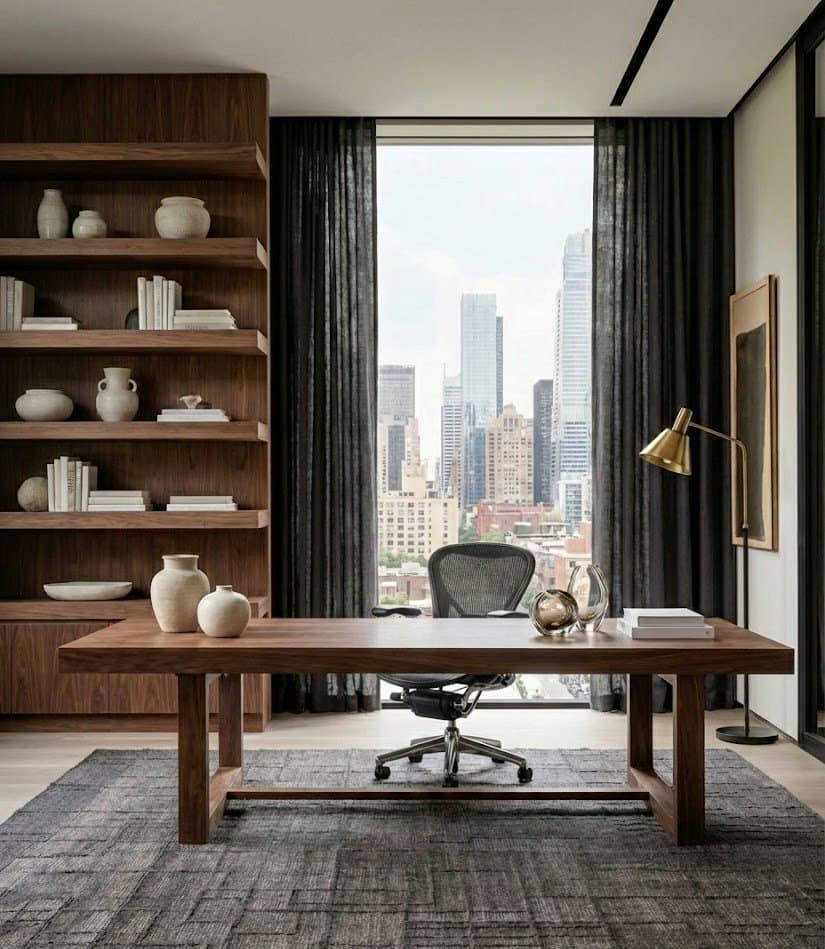
The Solution: Design a "Zoom Wall" behind the chair—bookshelves, artwork, or textured wallpaper that provides a professional backdrop.
4. Tech Infrastructure: Hardwired is Better
Wi-Fi is convenient, but it is not bulletproof.
Hard Data Points We recommend installing Cat6 Data cabling to the desk location. Plugging your computer directly into the data point ensures a stable, high-speed connection that won't drop out during an important presentation, regardless of what the kids are streaming in the lounge room.
Power Placement Don't rely on a power board on the floor.
Above Desk: Install GPOs (power points) with USB-C charging ports just above the desk height (approx. 750mm–800mm) for easy phone and laptop charging.
Below Desk: Install a quadruple GPO underneath the desk for permanent hardware (Monitor, PC tower, Printer) to keep cables hidden.
Summary
A home office is an investment in your career. By prioritizing desk depth for ergonomics and considering the acoustics and lighting for video calls, you create a space that fosters focus rather than fatigue.